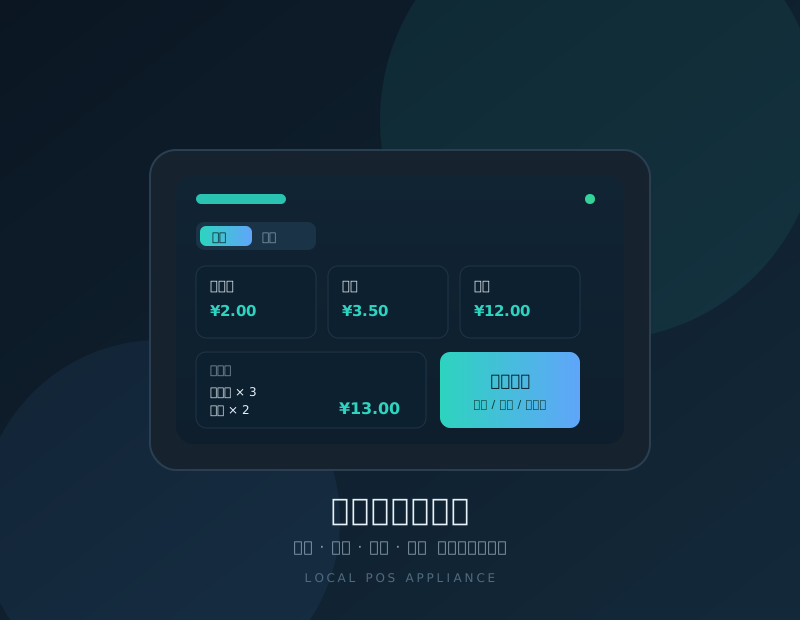
Taitong Store Appliance
One appliance combines POS, receipt printing, file sharing, video monitoring and network management. It runs locally inside the store, so checkout keeps working even when the internet goes down — and your business data stays on your own premises.
- Checkout runs in the browser on your existing PC or tablet — no dedicated POS terminal required
- Offline-first: keep selling during an outage, data syncs and backs up when the link returns
- One system covers four store types — open a new branch without switching software
Key features
Four store types
Supermarket, bookstore, restaurant and hotel share one system — switch the business type instead of installing a different product.
Barcode checkout
Works with USB barcode scanners; scan to add items. Products and menu dishes are managed in one catalogue with prices, categories and stock.
Hold & daily close
Park an unfinished bill and resume it later. Daily totals are grouped by payment method, so shift handovers are documented.
Receipt printing
Each checkout generates a receipt, printed on a standard USB printer or a 58/80mm thermal receipt printer.
Restaurant tables
Open a table, order, add dishes, park the bill, settle and clear — table status and running total at a glance.
Hotel rooms
Room status board, check-in, deposits and check-out in one flow; rooms automatically move to housekeeping after check-out.
File sharing
Contracts, scans and store documents stored centrally, mapped as a network drive on the store’s computers.
Monitoring & network
View IP camera feeds in the browser and keep an eye on broadband quality and device uptime.
One system, four store types
| Supermarket / convenience store | Barcode checkout, automatic stock deduction, discounts and change, daily close |
|---|---|
| Bookstore | ISBN barcode lookup, book categories, stock management, receipt printing |
| Restaurant | Table management, open table and ordering, add dishes, park bills, settle by table, clear tables |
| Hotel / guesthouse | Room status board, check-in, deposit handling, check-out settlement, housekeeping turnover |
Specifications
| Processor | Quad-core ARM Cortex-A7 1.5GHz |
|---|---|
| Memory | 1GB |
| Storage | 8GB eMMC, expandable via USB storage |
| Operating system | Ubuntu 20.04 LTS (ARM) |
| Network | 10/100M Ethernet, WiFi 802.11n |
| Ports | USB 2.0 × 2 |
| Printing | USB printers and 58/80mm thermal receipt printers |
| Checkout client | Browser-based — PC, tablet or phone |
| Data | Local database with scheduled backups and optional remote viewing |
| Deployment | On-premises, works offline |
How we deliver
- 1Requirement reviewStore type, checkout flow, peripherals and existing equipment
- 2Proposal & selectionBusiness configuration + hardware list + quotation
- 3On-site setupAppliance deployment, printer and scanner commissioning
- 4Training & handoverProduct catalogue setup, checkout and daily close training
- 5Remote supportRemote diagnostics, system updates and backup checks
FAQ
| Can I still sell if the internet is down? | Yes. The system runs on the appliance inside the store and does not depend on the public internet, so checkout keeps working during an outage. |
|---|---|
| Do I need a dedicated POS terminal? | No. Any PC, tablet or phone with a browser can act as the checkout client. |
| Where is my data stored? | Business data is stored on the in-store appliance and backed up daily. Optional remote viewing lets owners check sales from a phone. |
| What about opening a new branch? | The same system supports multiple store types; a new store follows the same deployment and the catalogue can be copied over. |